
Measuring stones with the new Laser tool
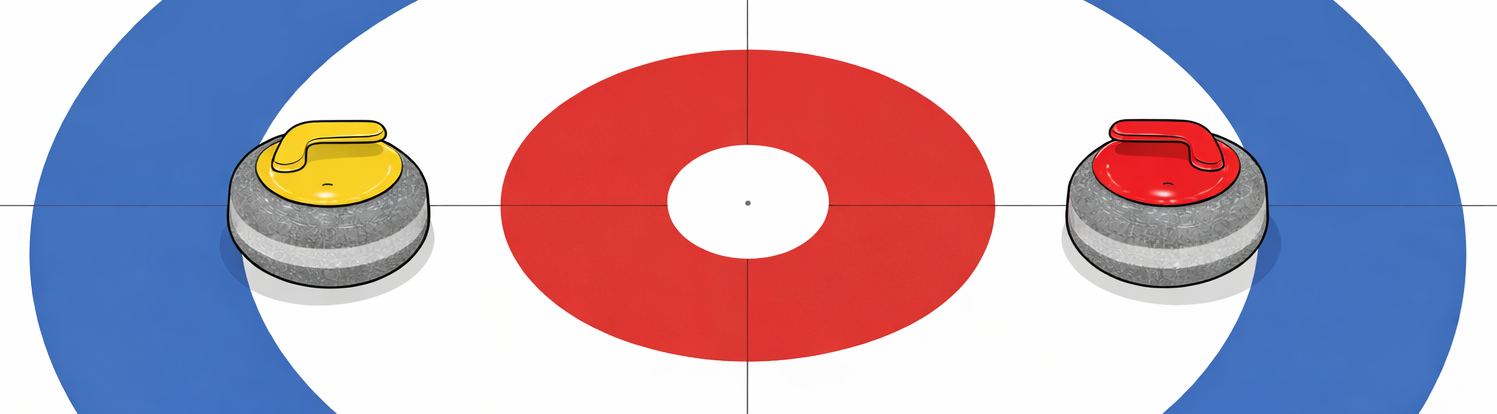
1: Both vice-skips agree on the placement of the measurement tool point
Preferably before the game starts, the pin location on the ice is clearly marked or drilled. Use the pin locator tool to help.
Allow the aluminum measure point to rest on the ice before use, and then breifly warm the tip so that it slightly melts into the ice.
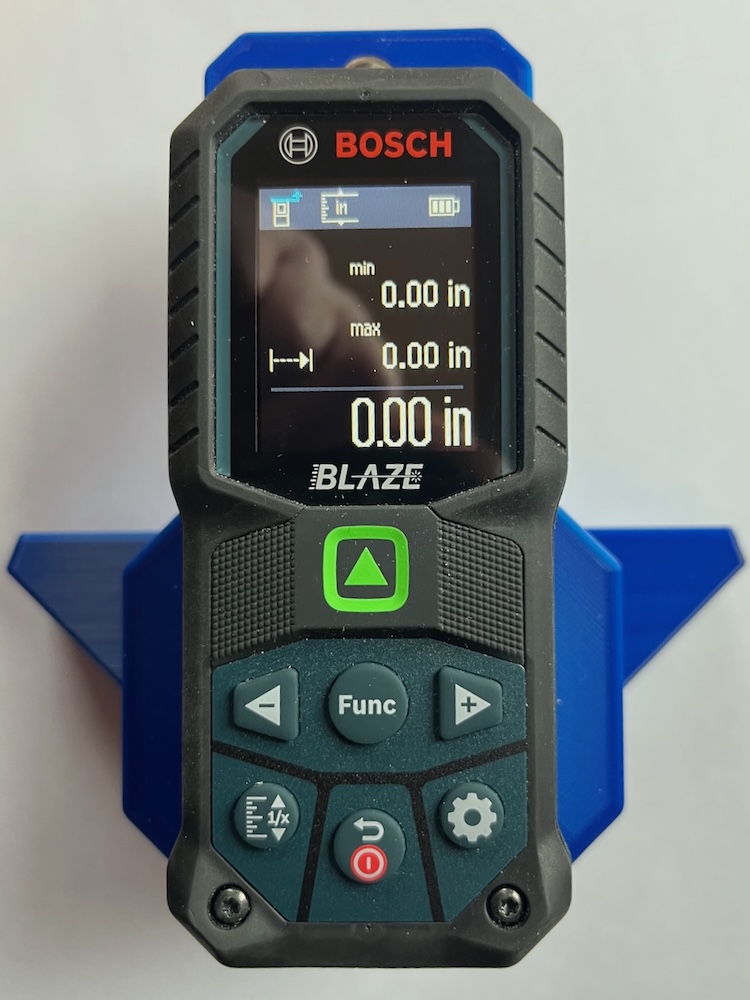
2: Press the on/off button (red)
The min and max screen should be displayed, but if not, follow instructions to switch into min/max
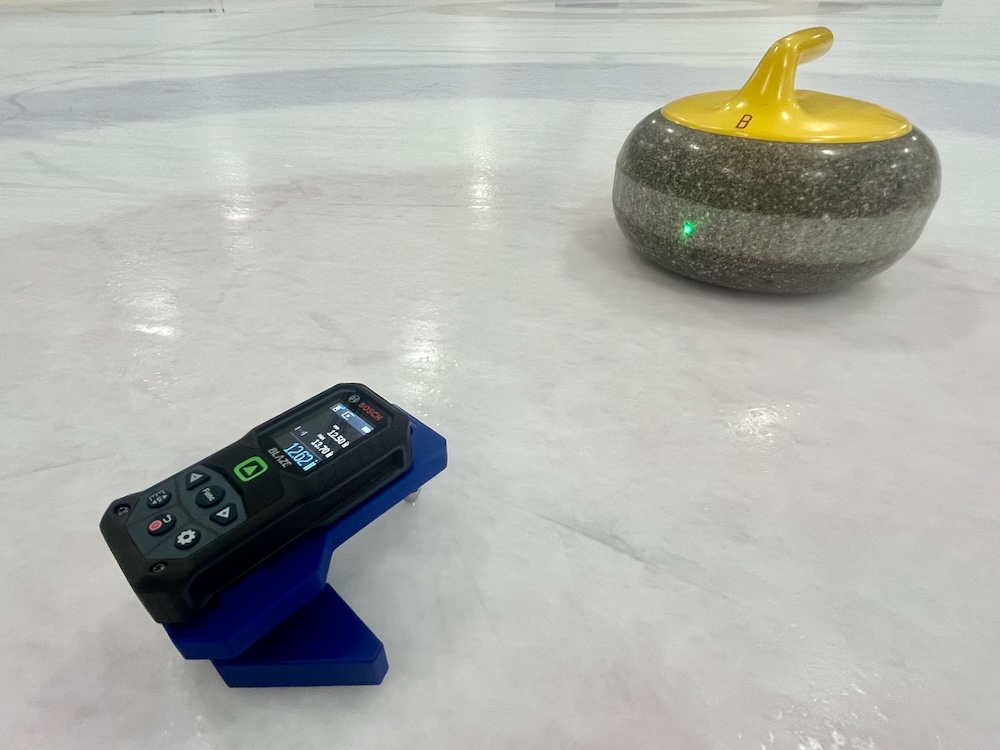
3: Point laser at first stone and press green arrow button.
Insure the green laser dot is hitting the running band of the stone -- Use the adjustment screw to change the pin height so it does
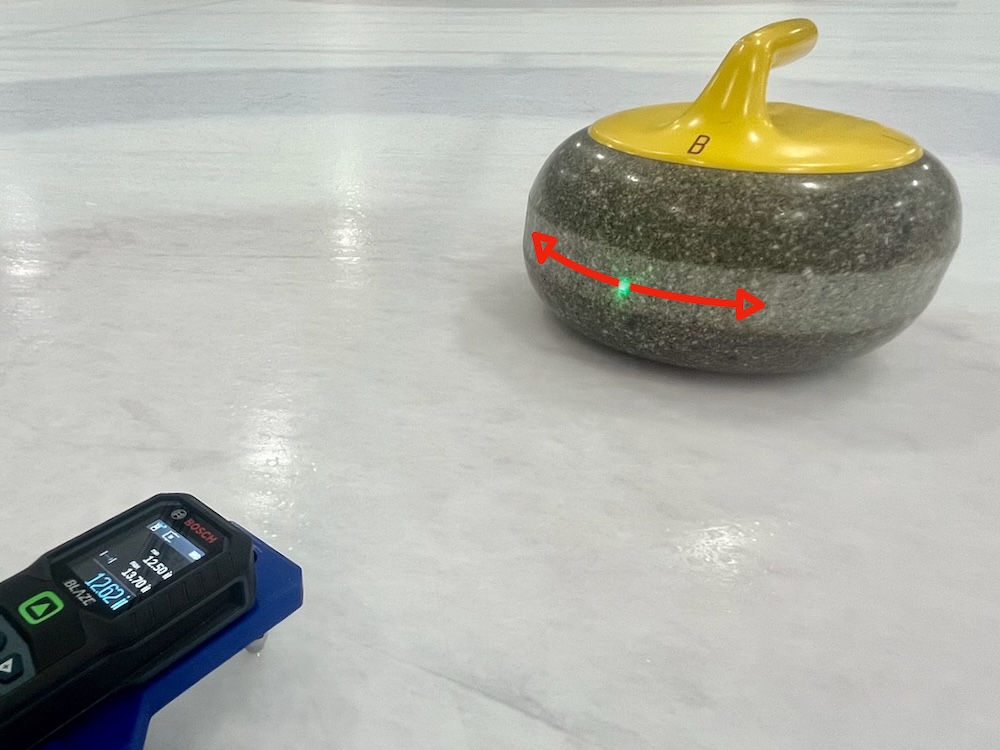
4: Sweep laser dot back and forth across the stone to record minimum distance.
Sweep slowly and smoothly a couple times back and forth across the center point of the stone
5: Press green arrow button again to lock in minimum distance.
The distance from the pin to the first stone is now recorded under the "min" heading
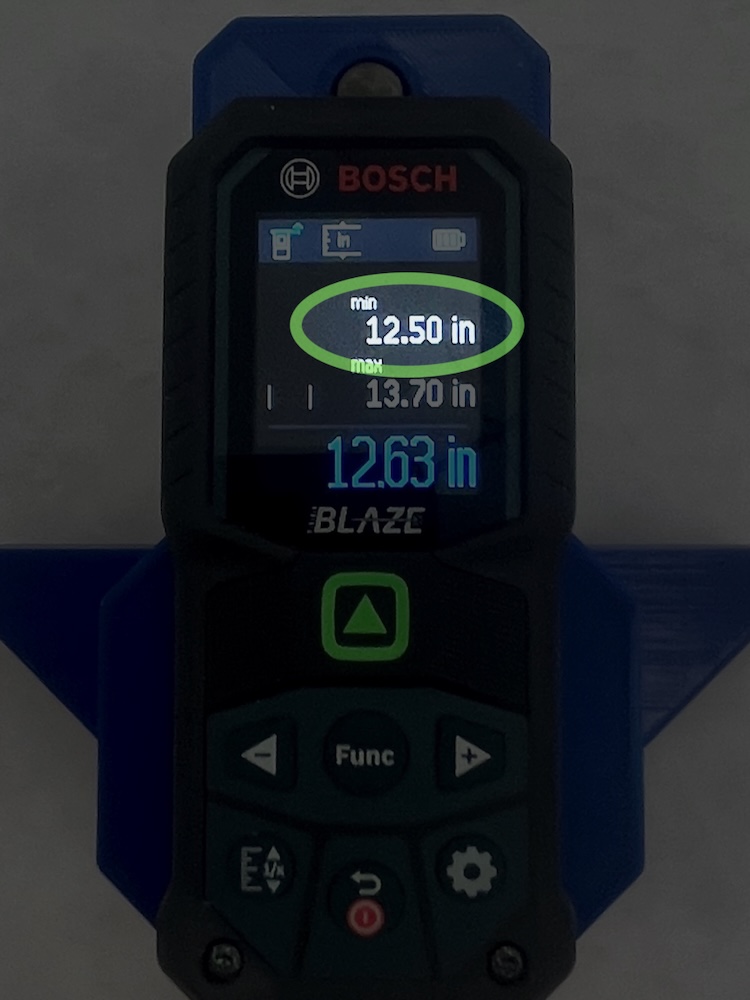
6: Point laser at second stone and then press the green button while observing if min changes.
If the min immediately changes, then the second stone is closer
7: Sweep laser dot back and forth across the stone while observing min value.
If the min value changes, then the second stone is closer. If not, then the first stone is closer.
8: Hold the On/Off (red) button for 3 seconds to turn off.
Select the min/max measurement function
You only need to do this if the tool is not currently in the min/max measurement function.
- Press the "Func" button in the middle
- Use the right or left arrow buttons to scroll through the moded until "Continuous Meas." is highlighted
- With "Continuous Meas." highlighted, press the "Func" button again
- Now scroll left or right to select the "min/max" measurement function
- Press the "Func" button in the middle one final time to return, and now the tool is in the min/max measurement function.